 Citadel
Connect a Docker host
Choose a connection and see your Docker resources in Citadel.
A Platform is a Docker host or Swarm cluster that Citadel manages. Connecting it lets you see its existing resources; it does not deploy or replace them.
Choose a connection
| Where is Docker running? | Connector | What you need |
|---|---|---|
| On the same host as Citadel | Local | The Docker socket mounted into Citadel; the supplied Compose setup includes it |
| On another host that Citadel can reach | Agent | Install the generated Agent command and allow Citadel to reach its Agent port |
| Behind NAT or a firewall that blocks inbound access | Edge Agent | Run the generated enrollment command; the host connects out to Citadel |
Use one Platform per Docker engine. A Citadel installation can have only one Local Platform. For Swarm, connect an existing manager; adding a Platform does not create a Swarm cluster.
Connect local Docker
- Sign in as an administrator.
- Open Platforms and select Add Platform.
- Select Docker Standalone and Local.
- Enter a name such as
local-dockerand select Save. Use 3 to 64 letters, numbers, hyphens, or underscores. - Open the Platform after it comes online. You should see the containers already on this host.
For a remote machine, follow Agent setup or Edge Agent setup. For a Swarm cluster, use the Swarm guide.
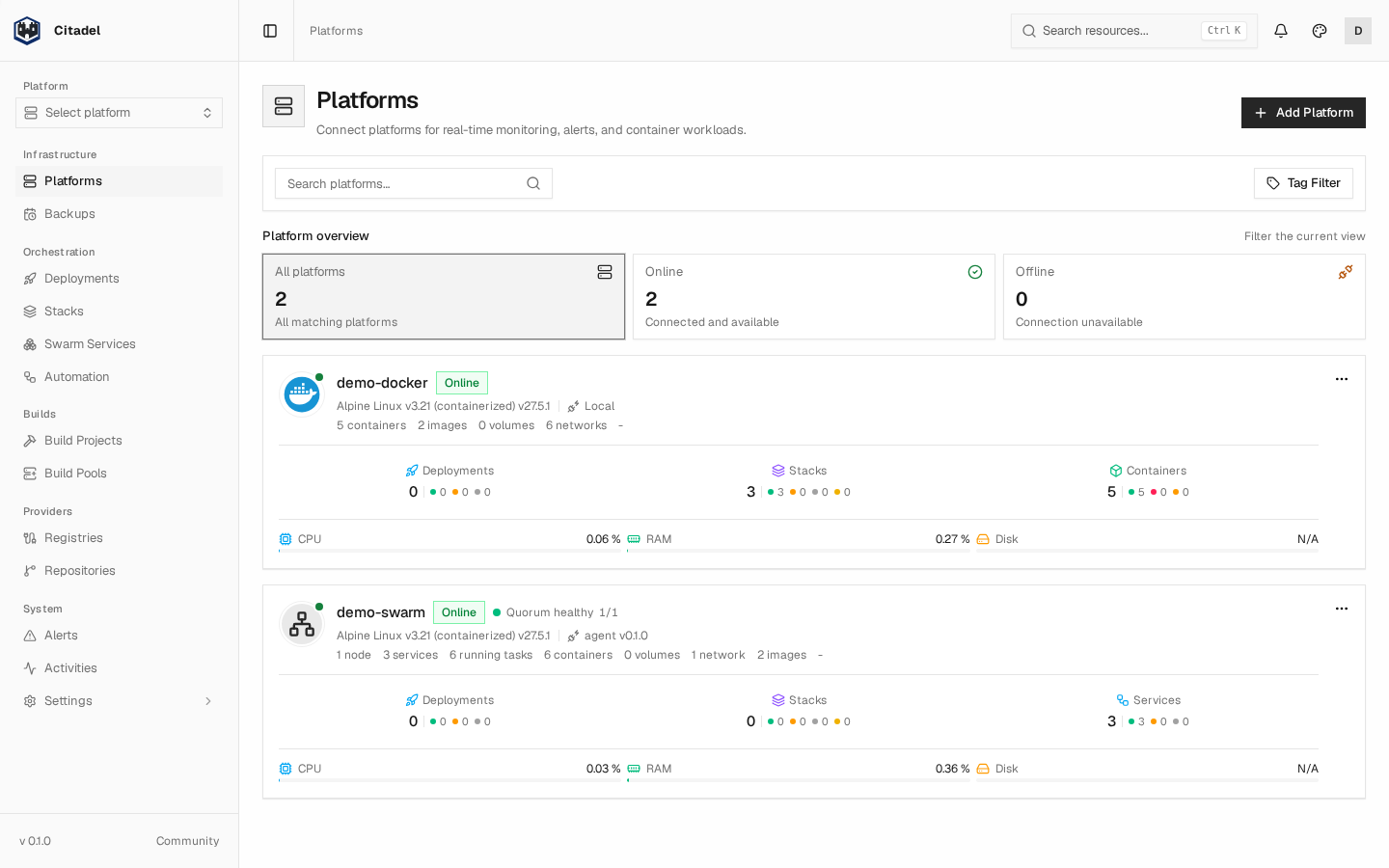
The names in this example are demonstration hosts. Your own Platform should appear here after it connects.
If it stays offline
Check that Docker is running and that Citadel can reach the selected socket or Agent. An Edge Platform stays offline until its Agent enrolls and connects. See troubleshooting before adding a duplicate Platform.