 Citadel
Run your first Compose Stack
Paste a Compose file, deploy it, and check its services.
A Stack groups services described in a Docker Compose file. This example uses a Docker Standalone Platform and does not need a Git repository.
Create a Stack
- Open Stacks and select Add Stack.
- Name it
hello-stackand select your Docker Standalone Platform. - Choose Web Editor as the source.
- Paste this Compose file. Use another host port if
8080is already in use:
services:
  web:
    image: nginx:alpine
    ports:
- "8080:80"- Select Docker Hub under Registry, fix any editor errors, and select Save.
- Select Deploy, enter
hello-stackin the confirmation dialog, and select Deploy again. Wait for the operation to finish. - Open the Services tab to check the running container.
- Open
http://YOUR-DOCKER-HOST:8080to see the Nginx welcome page.
For the local quick-start host, the website is http://localhost:8080. Its published port is reachable according to the Docker host's firewall rules.
Change or update the Stack
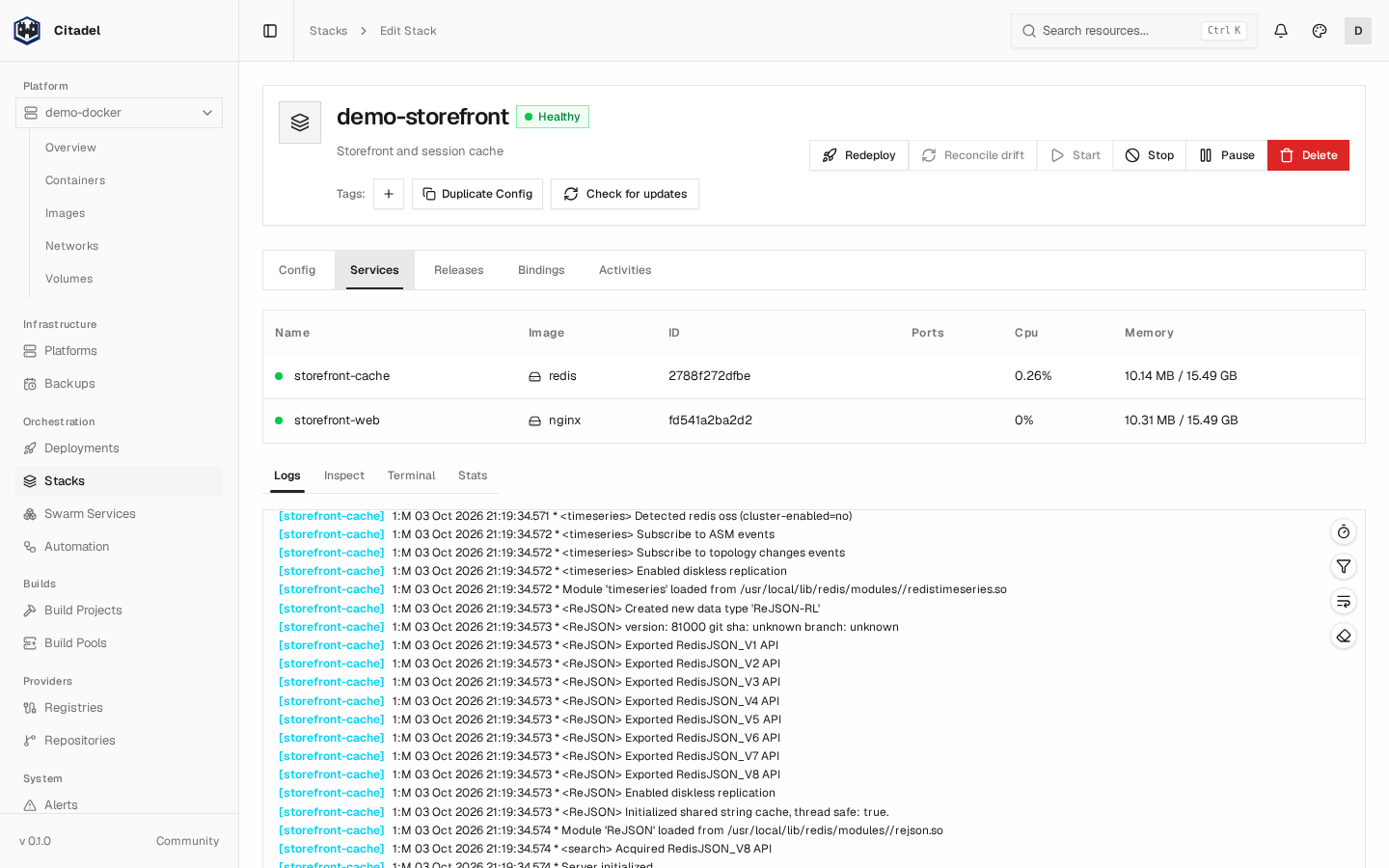
This example has a web service and a cache. Your first Stack will show only the
web service from the Compose file above.
Edit the Compose file on the Config tab and save it, then select Deploy or Redeploy. Saving alone does not change the running application. The Releases tab shows successful releases and available rollback targets.
See Web Editor Stacks for storage and variables, or Git Stacks to keep Compose files in a repository. For Swarm, see Swarm Stacks: Citadel deploys native Swarm services and checks that the Compose fields are supported.